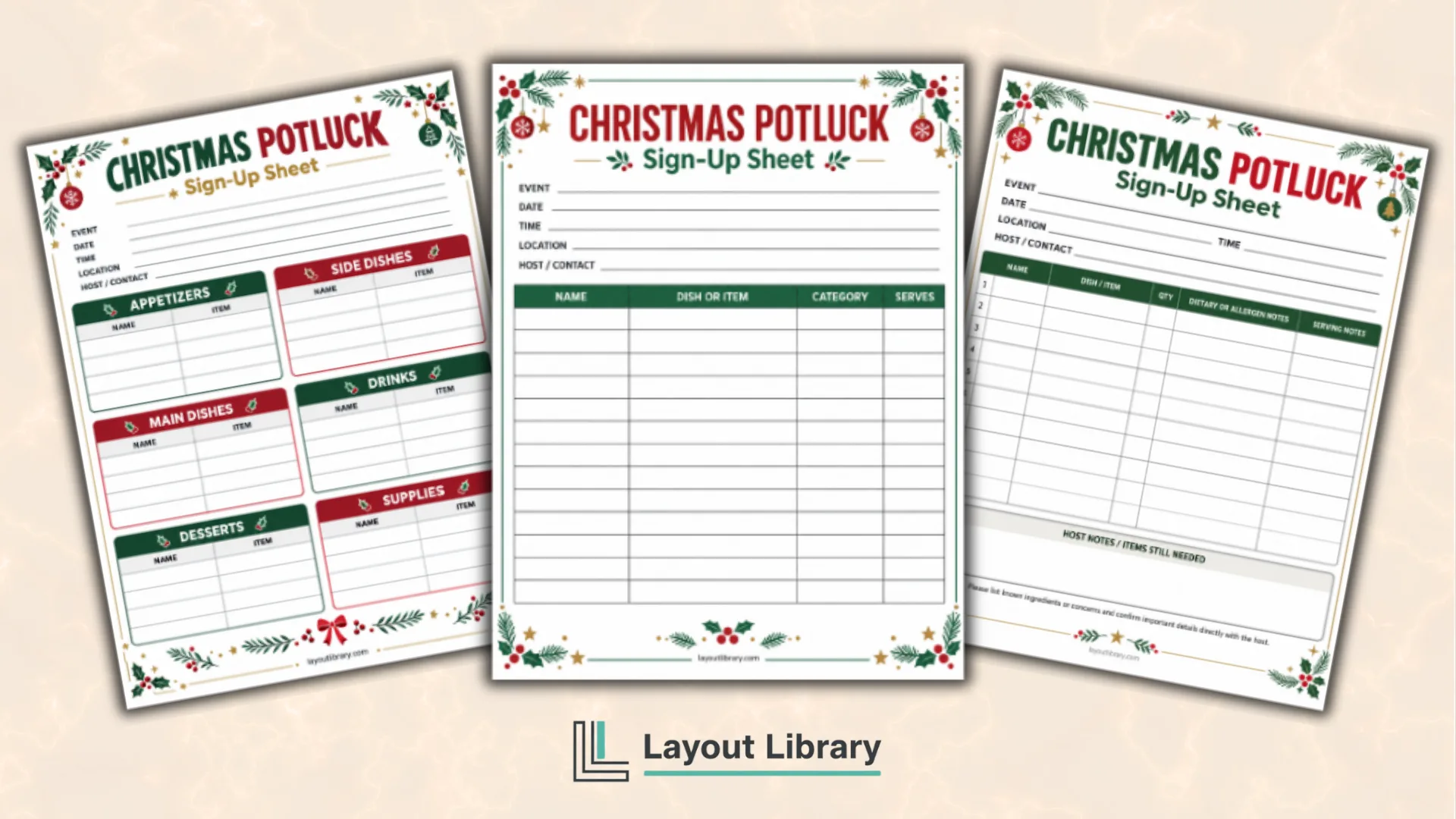
A shared holiday meal comes together more smoothly when everyone can see what is needed and what has already been claimed.
These free printable Christmas potluck sign-up sheets give hosts three practical layouts for coordinating dishes, drinks, serving supplies, and guest details.
Choose the page that fits your group, add the event information, and place it where guests can write in their contributions.
The layouts work for office lunches, classroom celebrations, neighborhood gatherings, church events, club parties, and family Christmas dinners.
Printable Details
Title: Christmas Potluck Sign-Up Sheets. Used For: Office potlucks, classroom parties, family dinners, church gatherings, and neighborhood events. Page Length: 4 pages. Paper Size: 8.5 x 11 inches (portrait). File Size: 3.38 MB. File Type: PDF. Color: RGB. License: Personal Use.
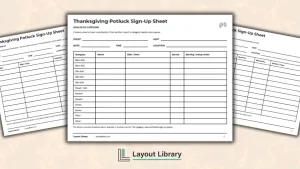
Three layouts let hosts choose a simple list, category plan, or detailed contribution tracker.
Event fields keep the date, time, location, and host contact information visible to every participant.
Food categories help balance appetizers, main dishes, side dishes, desserts, drinks, and important serving supplies.
Generous writing spaces suit clipboards, break rooms, classrooms, and community bulletin boards.
A dietary and allergen notes column helps contributors share useful information before the event.
Festive red, green, and gold artwork adds Christmas style while keeping every writing area clear.
Three Christmas Potluck Sign-Up Formats
The first three pages all coordinate potluck contributions, but each organizes them differently.
Select an open list for a small gathering or a structured layout for a larger group. Every version includes fields for the event name, date, time, location, and host or contact person.
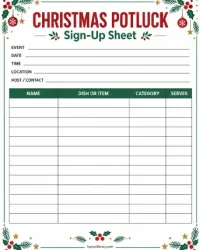
Simple Shared List
The Simple Shared List page uses one large table with columns for each guest’s name, dish or item, category, and number of servings.
It is a flexible choice when the host wants plenty of sign-up lines without reserving a fixed number of spaces for each food category.
This version works well for smaller office teams, family gatherings, or casual Christmas lunches. Guests can name the item they plan to bring, while the category column lets the organizer quickly notice missing mains, drinks, or desserts.
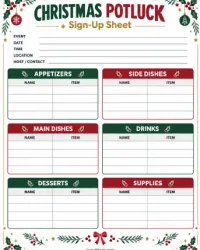
Sign Up by Food Category
The category-based page separates the list into Appetizers, Side Dishes, Main Dishes, Drinks, Desserts, and Supplies. Each section provides its own name and item lines, so guests can see which parts of the meal still need contributions.
Use this page when you want a balanced menu or expect a larger group. The Supplies section can cover plates, napkins, cups, ice, serving utensils, and other non-food items that are easy to overlook.
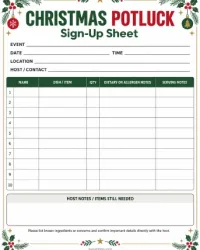
Detailed Contribution Planner
The Detailed Contribution Planner includes columns for name, dish or item, quantity, dietary or allergen notes, and serving notes. A separate host-notes area holds items still needed, follow-up reminders, or setup details.
This layout is useful when contributors may need refrigerator space, an outlet, or time to reheat food. The notes fields also give guests a place to flag information that should be confirmed before the meal.
Ways to Use the Printable
Post a sheet in an office kitchen, staff room, classroom, church lobby, or community room. For a family event, share a photo of completed entries so relatives can see which categories still need attention.
Hosts can write in a few priority items before sharing the page. Add “ice,” “paper plates,” or a needed main dish on an open line, then leave the name space blank for someone to claim it.
How to Set Up Your Potluck Sheet
Start by adding the event details at the top. Choose one person to review the list and contact guests if entries are too similar or an important category remains empty. Encourage contributors to describe their dish specifically instead of writing only “side” or “dessert.”
On the detailed page, ask guests to note the approximate quantity or servings. Use the host-notes box for reminders about coolers, serving spoons, labels, or the time food should arrive.
Printing Tips
Print on US Letter paper in portrait orientation. Select 100% or Actual Size so the page keeps its intended margins and writing space.
Standard printer paper works well for a one-time list, while slightly heavier paper is useful when the sheet will remain posted for several days.
Food Allergy and Safety Note
The dietary and allergen fields are planning aids, not a guarantee that a dish is safe for a particular guest.
Recipes, substitutions, preparation surfaces, and serving utensils can affect ingredients and cross-contact. Hosts and guests should confirm important ingredient and food-handling information directly before serving or eating.
FAQ
Yes. Post the category page for food contributions and use the simple list for drinks, supplies, or volunteer tasks. Label each sheet clearly so guests know where to add their names.
The category-based sheet is a strong starting point because it shows the menu balance at a glance. Use the detailed planner when dietary notes, quantities, reheating, or serving logistics are important.
Ask guests to write the specific dish or item they plan to bring. Review the sheet before the event and follow up when multiple entries are nearly identical or a major category has no contributions.