A Thanksgiving potluck goes much more smoothly when everyone can see who’s bringing what.
This free printable Thanksgiving potluck sign-up sheet gives your group a shared place to list dishes, estimate portions, and claim supplies or helping roles.
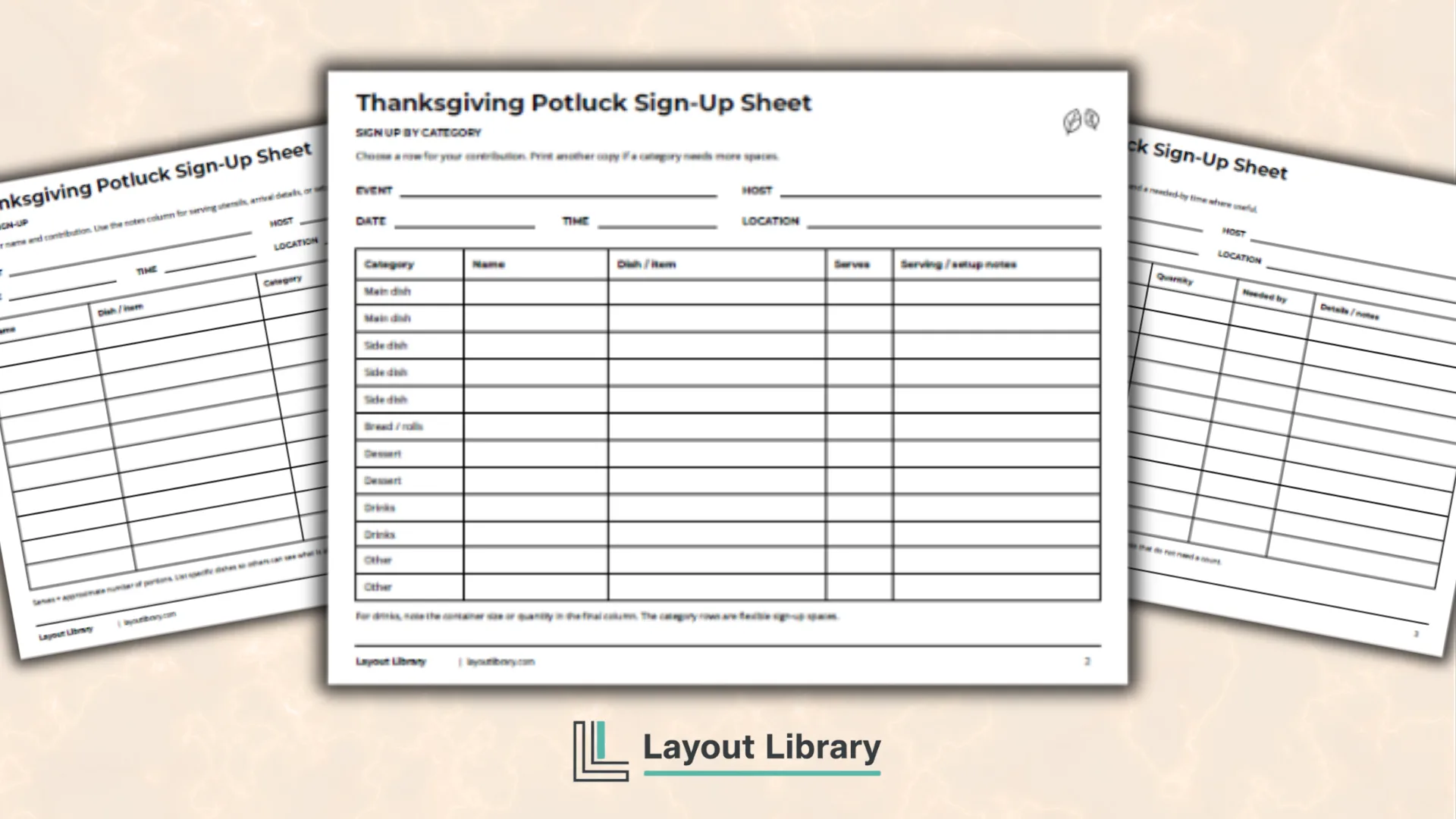
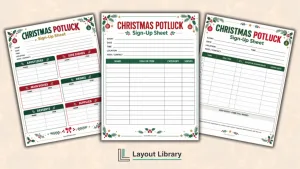
The black-and-white downloadable PDF includes three landscape planning pages: an open contribution list, a sign-up sheet grouped by food category, and a supplies-and-helpers sheet.
Use the format that suits your gathering, whether you are organizing a family meal, an office lunch, a classroom celebration, or a community potluck.
Printable Details
Title: Thanksgiving Potluck Sign-Up Sheet. Used For: Potluck dish coordination, contribution sign-ups, supply planning, volunteer assignments. Page Length: 4 pages. Paper Size: 11 x 8.5 in (landscape). File Size: 48.1 KB. File Type: PDF. Color: Black & White. License: Personal Use.
Choose an open sign-up list or a version with food categories already printed in the first column.
Record names, dishes, approximate portions, and serving or setup notes together so the host can review each contribution.
Use the separate supplies-and-helpers page to assign tableware, setup tasks, drink station help, and cleanup.
Add the event, host, date, time, and location at the top of every planning page.
Write across spacious landscape tables with clear borders, white backgrounds, and simple black-and-white headings throughout.
Print extra copies when your group needs more sign-up spaces or additional rows for a particular food category.
Overview
The first two pages offer different ways to collect food contributions.
You can let guests choose any dish on the open sheet, or use the category version to show the kinds of contributions you are collecting. The supplies page works alongside either option.
Each table keeps the contributor’s name beside their dish, item, or role. This makes it straightforward to follow up when something changes.
Matching event-detail fields help keep loose pages together, especially if several gatherings are being planned in the same workplace or group.
Open Sign-Up
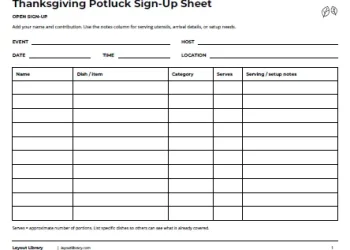
The Open Sign-Up page has 10 blank rows and five columns: Name, Dish / item, Category, Serves, and Serving / setup notes.
The category column is left blank so your group can describe contributions in whatever way fits the menu.
Ask contributors to name the actual dish instead of writing only “side” or “dessert.” An entry such as “roasted vegetables” or “apple pie” tells the next person more about what is already planned.
The final column has room for a serving spoon, an arrival detail, or a setup request.
Sign Up by Category
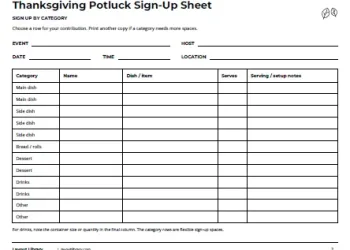
The category sheet contains 12 rows: two for main dishes, three for side dishes, one for bread or rolls, two for desserts, two for drinks, and two marked Other.
Names and specific contributions go in the blank columns beside these labels.
These spaces are a starting point for sign-ups, rather than a fixed menu or serving plan. If your group wants more desserts or has several people bringing sides, use another copy for the additional entries.
The printed categories help guests scan for a place to add their contribution.
Supplies & Helpers
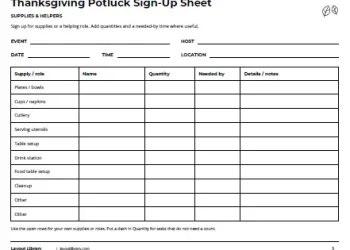
The third page covers contributions beyond the food. Its 10 rows include plates or bowls, cups or napkins, cutlery, serving utensils, table setup, a drink station, food table setup, cleanup, and two open Other rows.
Beside each supply or role are columns for Name, Quantity, Needed by, and Details / notes. Someone bringing cups can record how many they will bring. A person helping with setup can note when they will be available and what they have agreed to arrange.
How to Use the Potluck Sheets
Start by choosing either the open or category-based food list. Fill in the event name, host, date, time, and location before passing it around. Keep the supplies sheet beside it so participants can see both food and non-food opportunities.
Use Serves for an approximate number of portions from each dish. For drinks, the notes column can hold a container size or quantity. On the helpers page, leave a dash in Quantity for tasks that do not need a count, and use Needed by for the relevant time.
Keep one current set of sign-up pages for the event and confirm changes with the host. If you use extra sheets, repeat the event details at the top. This helps prevent a continuation page from being mistaken for a different gathering.
FAQs
The PDF has four pages in total. Three are usable planning sheets, and the final page contains personal-use terms and printing notes. The open food list has 10 rows, the category list has 12, and the supplies list has 10.
This version is designed to print and complete by hand. It does not contain editable form fields. The blank cells and landscape layout provide writing space for participants’ contributions.
Use US Letter paper in landscape orientation and print single-sided at Actual Size or 100% scale. If the print preview clips an edge, select Fit. Ordinary white printer paper works for passing the sheets around or keeping them on a clipboard.