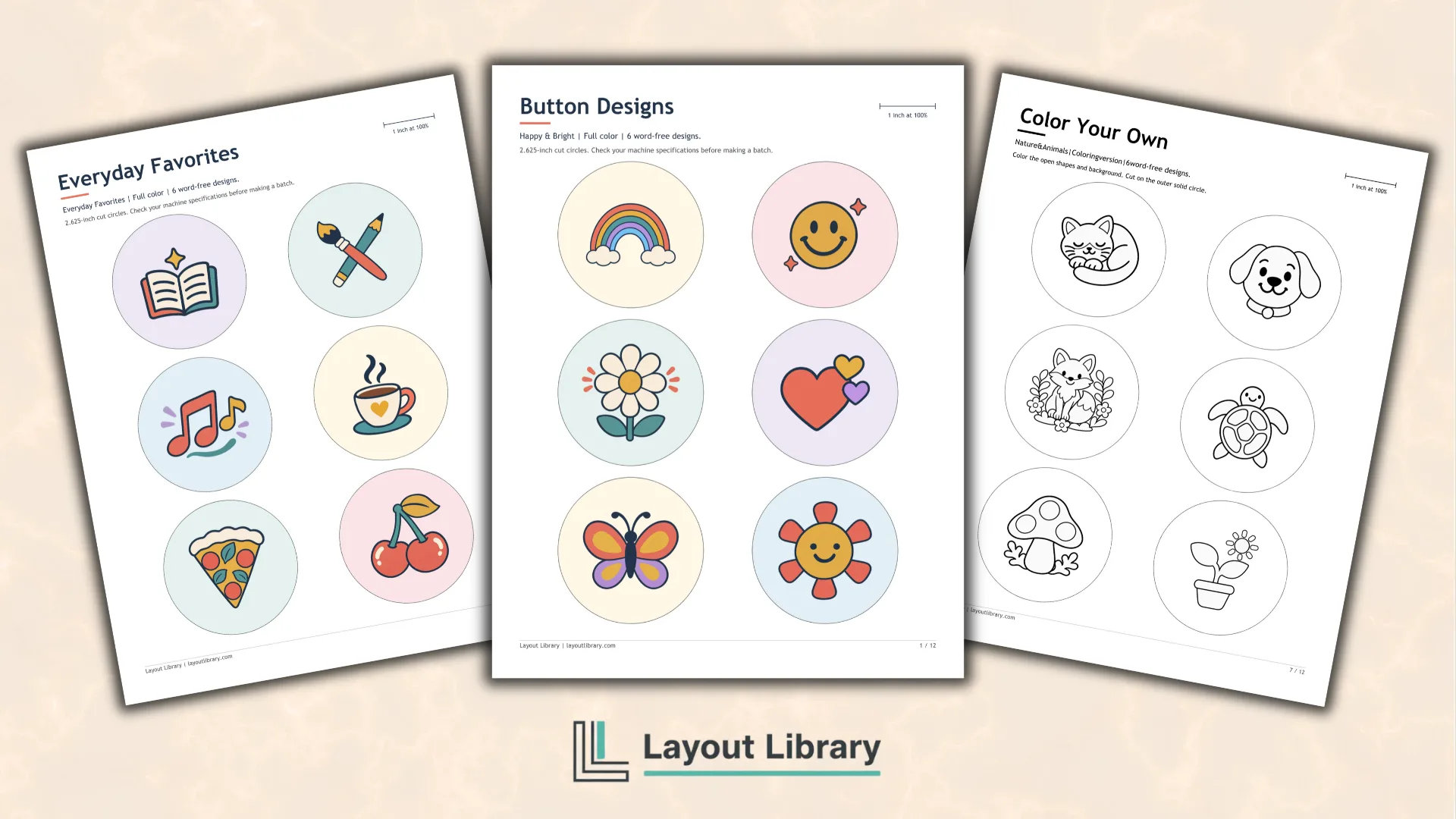
These free printable button designs give you 30 choices, with 24 word-free illustrations and six short messages.
Every design comes in full color and a black-and-white version you can color yourself.
Mix favorites for a craft table, make matching buttons with friends, or choose one design for a personal project.
Printable Details
Title: Button Designs.
Used For: Pinback buttons, coloring activities, paper badges, craft events, compatible magnets and keychains.
Page Length: 12.
Paper Size: 8.5 x 11 in (portrait).
File Size: 19.43 MB.
File Type: PDF.
Color: Full Color and Black & White.
License: Personal, Educational & Business Use (No Resale or PDF Redistribution)
Image Gallery
At a Glance
Find a Design That Feels Like You
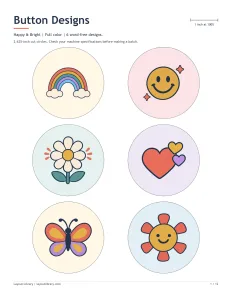
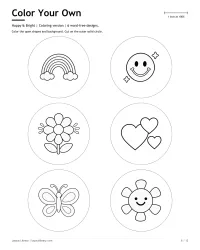
The word-free choices cover several interests without requiring a particular club name or event. Happy & Bright brings together a rainbow, smiley face, daisy, hearts, butterfly, and smiling sun. These familiar shapes work as cheerful accessories or as starting points for a shared coloring activity.
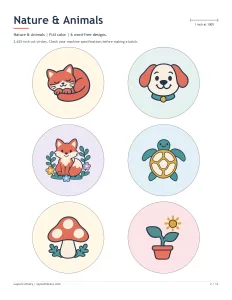
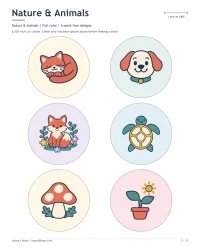
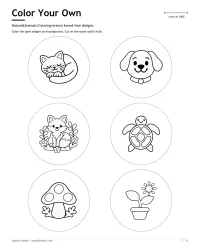
Nature & Animals includes a sleepy cat, happy dog, woodland fox, sea turtle, mushroom, and potted sprout. Pick a favorite animal, combine several nature designs for a craft afternoon, or let everyone choose the picture they would most like to wear.
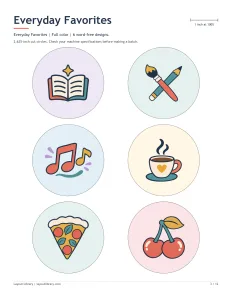
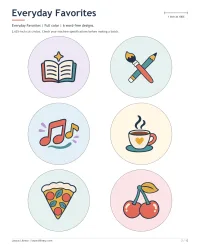
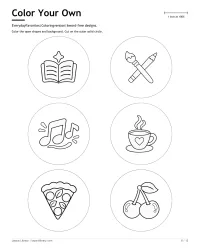
Everyday Favorites offers an open book, crossed art tools, musical notes, coffee cup, pizza slice, and cherries. This mix gives readers, artists, music lovers, and food fans different options on the same sheet. The drawings stay large enough to recognize without small labels.
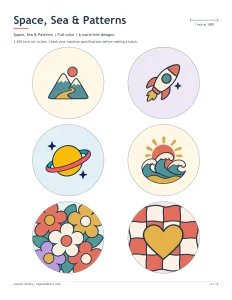
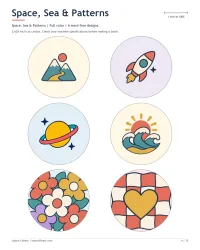
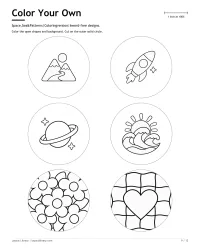
Space, Sea & Patterns adds mountains, a rocket, ringed planet, ocean waves, retro flowers, and a wavy checkerboard with a heart. The pattern choices provide an alternative to a single picture, while the outdoor and space designs suit anyone drawn to exploring.
Make the Same Designs Your Own
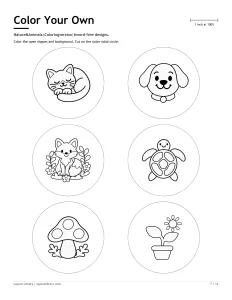
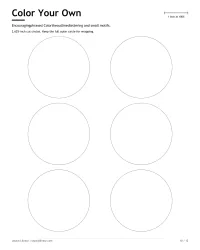
The coloring sheets repeat all 30 designs as black-and-white line art. They have open interiors for adding color, rather than shaded copies of the finished illustrations. You can follow the full-color examples, invent a completely different palette, or leave part of the paper white.
Corresponding designs appear in the same positions on both versions. If someone chooses the turtle on the second color sheet, its coloring counterpart sits in the same spot on the matching outline sheet. That makes it practical to offer both options at one table.
Color before cutting so the full sheet supports your hand and keeps the pieces together. Colored pencils suit the small spaces. If you use another coloring supply, check that it works with your paper and let any ink dry completely before assembling a pressed button.
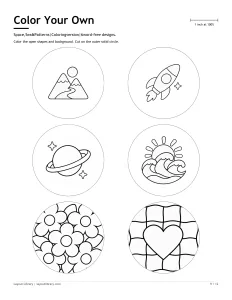
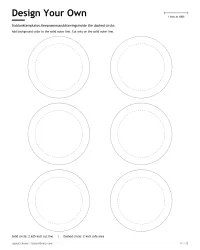
The area around each illustration is available for background color, too. For compatible pressed buttons, carry that color to the outer cut circle while keeping added names or important details near the center. The blank template page shows the safe area for planning your own additions.
A Few Good Words
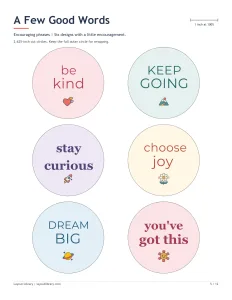
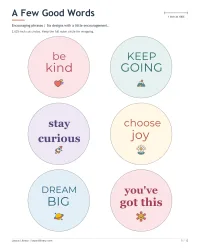
The message designs say Be Kind, Keep Going, Stay Curious, Choose Joy, Dream Big, and You’ve Got This. Rounded retro lettering and classic serif styles give the words their own visual character, with a small supporting illustration beneath each phrase.
These messages can fit different people and occasions without naming a specific activity. Choose one as a small gift, share a matching phrase with a friend, or mix the word designs with the illustrated choices. Their coloring versions include outlined letters so you can color the words themselves.
Print the Pages Your Project Needs
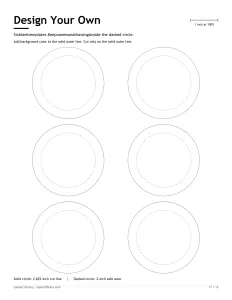
The first five pages contain the finished full-color designs. The next five hold their coloring counterparts, followed by six blank templates on Design Your Own. The final Usage & Printing Tips page explains page choices, scale, paper, equipment checks, and permitted uses.
You do not need to print every page for a small project. A family might choose one animal sheet, while a craft event could offer the full range. Keep the blank page available for people who want to draw a different picture, add a name, or try their own lettering.
Check the Size Before Cutting
These designs use a 2.625-inch paper cut circle for compatible 2.25-inch pinback systems. The paper circle is larger than the finished button so it can wrap around the shell. Confirm both your machine’s requirements and its cutter size before preparing multiple copies.
Print single-sided on US Letter paper at Actual Size or 100%. Turn off Fit or Shrink, then measure the one-inch scale bar. If it measures differently, correct the settings and print another test sheet before cutting.
Use ordinary printer paper in the weight your button press recommends, and assemble one test button with matching shells, film, and backs. Follow the equipment’s instructions for keeping the artwork upright. A successful test helps you check alignment and paper behavior before making a larger group set.
Some machines sold as 58 mm or 2.25 inches use different parts or cut dimensions. This printable is not a universal fit for every press or for Badge-a-Minit systems. An adult should supervise cutters, presses, and sharp pins, and keep small parts and loose magnets away from young children.