A blank notebook offers freedom, but drawing a complete monthly spread every few weeks can become another task.
This free printable bullet journal monthly calendar gives you a ready-made foundation while leaving the important choices in your hands. Add dates, appointments, goals, habits, and personal touches without measuring a new grid.
The packet is undated and includes Sunday-start and Monday-start calendars, a classic monthly log, and a planning dashboard. Print the complete set or choose only the pages that match your style.
Printable Details
Title: Bullet Journal Monthly Calendar.
Calendar style: Undated.
Week-start options: Sunday and Monday.
Page Length: 5.
Paper Size: 8.5 × 11 in (portrait).
File Size: 51 KB.
File Type: PDF.
Color: Black & White.
License: Personal Use.
Image Gallery
At a Glance
Overview
This printable combines two approaches to monthly planning.
The calendar pages show the entire month at once, while the numbered log provides a chronological list for events, deadlines, and short notes. The dashboard adds goals, habits, highlights, and a brain dump.
Because every page is undated, you can begin whenever your planning system needs a reset. The black-and-white design leaves room for color coding, stickers, washi tape, doodles, or symbols.
What’s Included In This Bullet Journal Monthly Calendar?
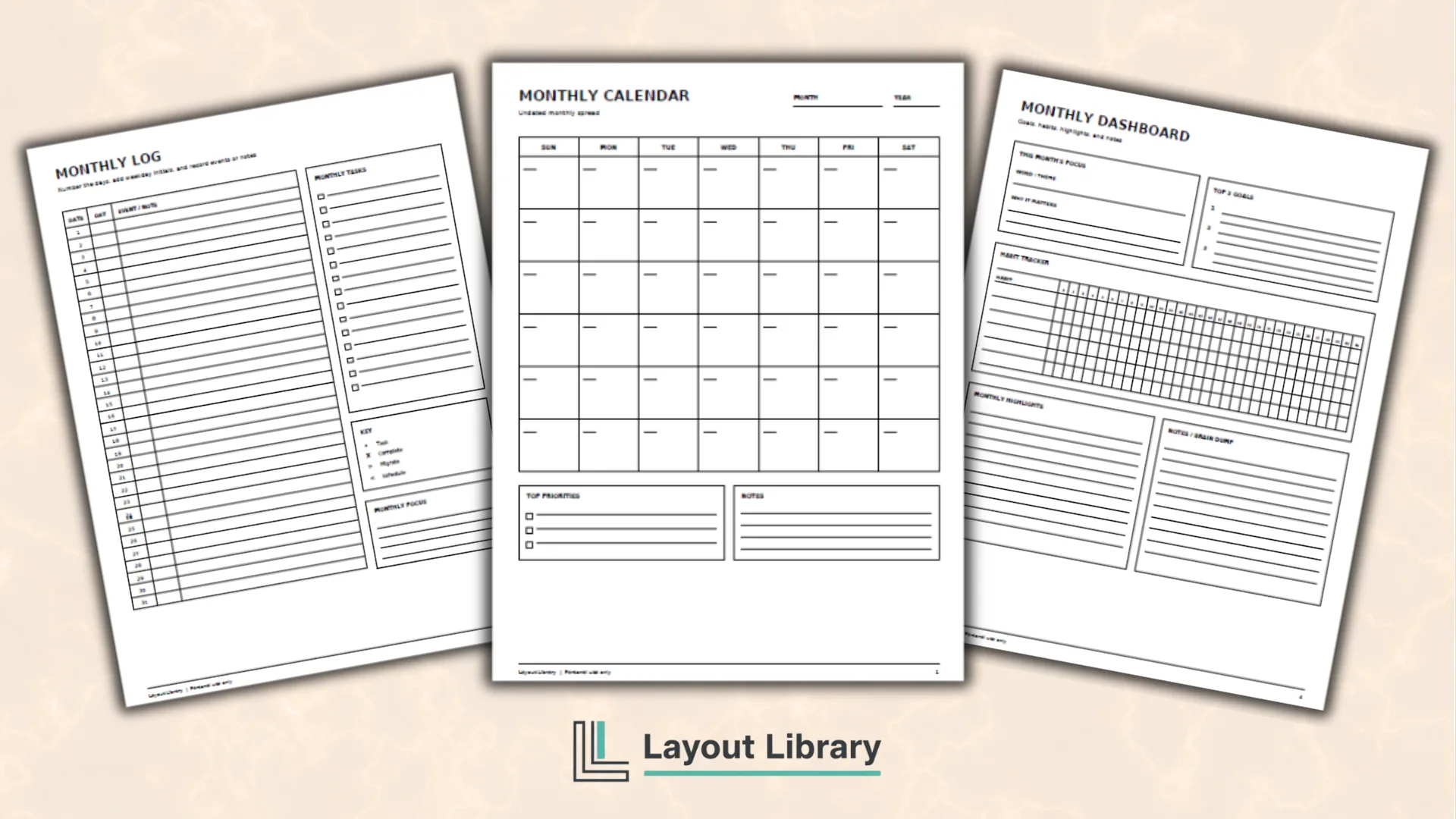
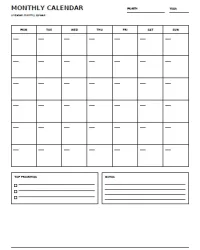
Page one is a Sunday-start monthly calendar with six rows, priorities, and notes.
Page two repeats the layout with Monday as the first day.
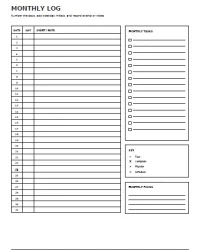
Page three is a monthly log with rows 1 through 31. Add a weekday initial, event, or note on each line. A task list, symbol key, and focus box keep action items outside the calendar.
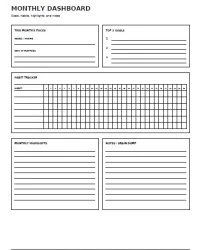
Page four is a monthly dashboard. Choose a word or theme for the month, define your top three goals, track up to six habits, record highlights, and capture loose ideas in the notes section.
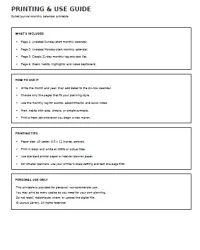
Page five explains the contents, printing setup, and personal-use terms.
How to Set Up Your Monthly Calendar
Start by choosing the Sunday-start or Monday-start calendar. Write the month and year at the top, then place the date numbers in the correct boxes.
The grid includes six weeks, so it works even when a month begins late in the week or extends into a sixth row.
Add fixed appointments, birthdays, deadlines, travel dates, and other time-sensitive events first.
Next, choose up to three priorities for the month. Keeping this list short helps the page remain focused rather than turning it into an overwhelming collection of wishes.
You can then use the monthly log for additional details. Write the weekday initial in the Day column and capture one or more short entries beside each date.
Use the included key as written or replace the symbols with your own.
Printing Tips
Print the PDF on US Letter paper in portrait orientation. Select 100% or Actual Size for the intended page dimensions.
Standard printer paper works well, while a slightly heavier paper can feel better for frequent writing or binder use.
For a smaller journal, use your printer’s scale setting and test one page first. Trim it for a notebook, punch it for a binder, or keep it on a clipboard.