A handmade study deck can do more than hold questions and answers.
This free blank flash cards printable includes six card layouts plus tools for sorting, labeling, and reviewing your decks. Add your own words, drawings, facts, or prompts, then choose the pages that suit your activity.
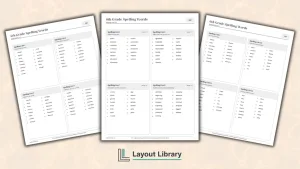
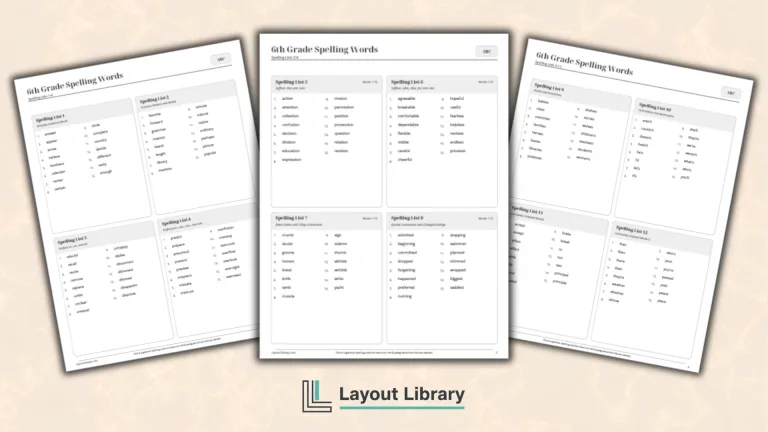
For a vocabulary deck, our sixth-grade spelling words provide a starting list. Choose the words you want to practice, then use the blank cards to build a set around that learner’s current lesson.
Printable Details
Title: Blank Flash Cards. Used For: Vocabulary practice, custom question-and-answer review, picture-and-word activities, deck organization, review planning. Page Length: 12 pages. Paper Size: 8.5 x 11 in (portrait). File Size: 83 KB. File Type: PDF. Color: Black & White. License: Personal, Educational & Business Use (No Resale or PDF Redistribution)
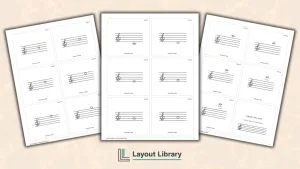
Choose plain, lined, compact, large, or picture-and-word cards to suit the content you want to practice.
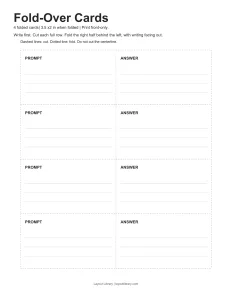
Create two-sided cards from front-only printing with four fold-over strips and a clearly marked center crease.
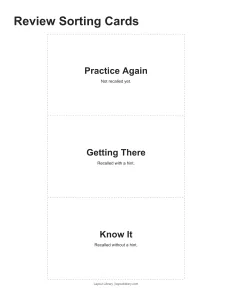
Sort reviewed cards under three progress labels so you can see which items need another attempt.
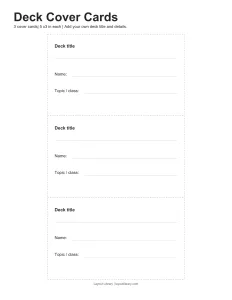
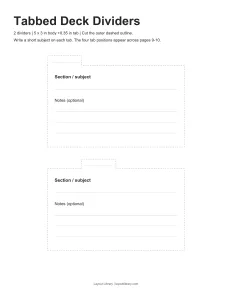
Label separate decks with write-in cover cards and four staggered dividers sized for the standard cards.
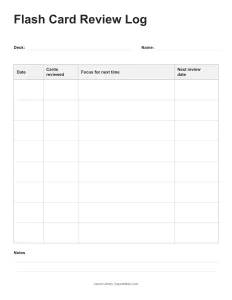
Record practice dates, card counts, next steps, and planned review dates on the reusable log page.
Print only the pages you need, using black-and-white layouts with dashed cutting guides and open writing space.
Choose a Card Layout
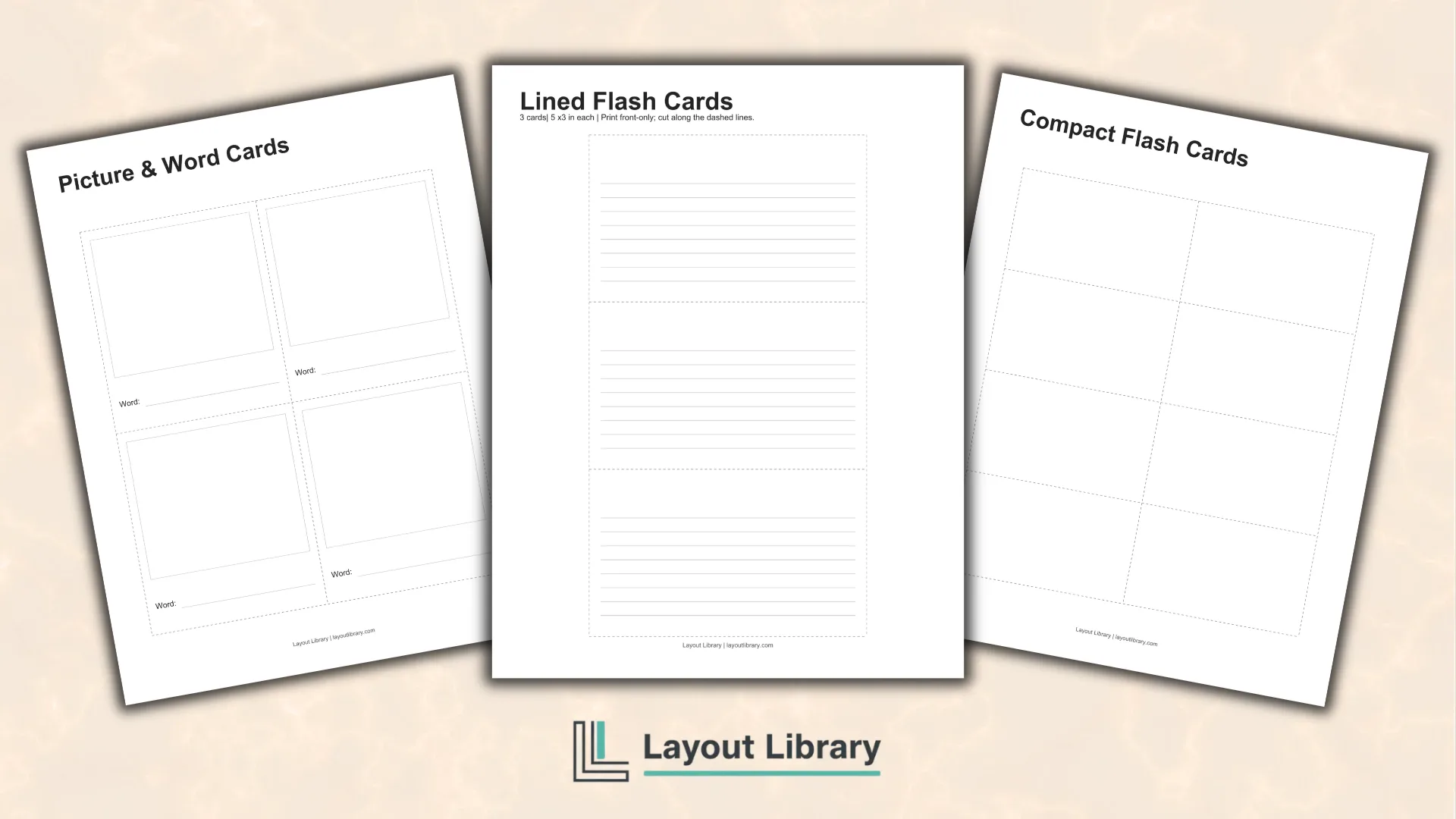
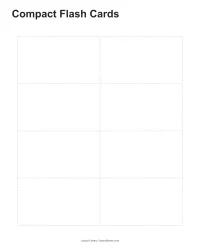
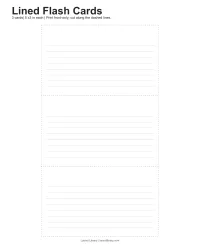
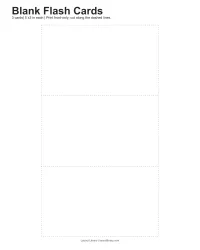
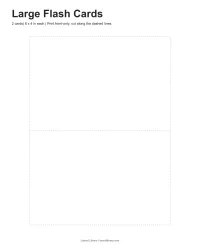
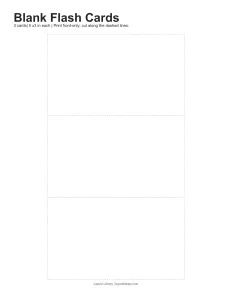
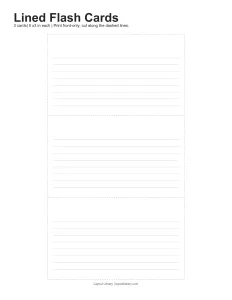
The first four sheets provide three plain 5-by-3-inch cards, three lined cards in the same size, eight compact 3.5-by-2-inch cards, and two large 6-by-4-inch cards. The lined version includes eight writing rules per card; the other three layouts have open interiors.
Use plain cards for flexible prompts, lined cards for short definitions, compact cards for brief clues or matching pairs, and large cards for longer answers or sketches. Printing each of these four sheets once gives you 16 cards, before adding the picture-and-word or fold-over pages.
Combine a Picture With a Word
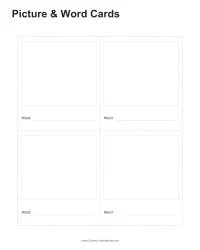
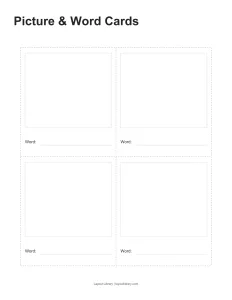
Picture & Word Cards has four cards, each 3.5 inches wide and 4 inches high. A large blank frame gives users a place to draw, with a Word line underneath for a label or caption. You supply both the picture and the text.
Try using this page for objects from a current lesson, words from a reading list, or pictures a learner wants to label. The drawing and word stay together on one card, so you can review them as a set or sort them into groups.
Make Two-Sided Cards With One Fold
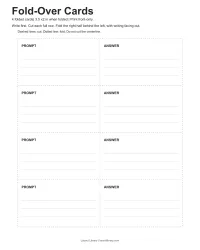
Fold-Over Cards provides four horizontal strips with a PROMPT half and an ANSWER half. Both halves have writing lines. Each finished card measures 3.5 by 2 inches, matching the compact cards, while the unfolded strip measures 7 by 2 inches.
Fill in both halves before cutting. Cut the outer dashed outline and the horizontal dashed lines between rows, keeping each full strip together. The dotted vertical center line is the crease. Do not cut along that line.
Fold the right half behind the left so the writing faces outward. Your prompt appears on one face and its answer on the other. This layout uses front-only printing, so you do not need to align separate printed fronts and backs.
Sort Cards After Each Attempt
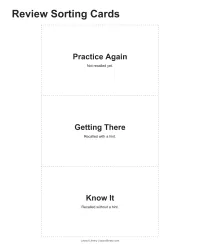
The three Review Sorting Cards are labeled Practice Again, Getting There, and Know It. Their smaller descriptions distinguish an item you could not recall, one you recalled with a hint, and one you recalled without a hint.
Place the labels across a table. Answer a card, check your response, and put it behind the matching label. Use the groups to choose what to revisit during the next session. Each sorting label measures 5 by 3 inches.
Keep Separate Decks Organized
Write a Cover for Each Set
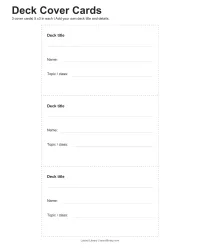
Deck Cover Cards includes three 5-by-3-inch covers with spaces for the deck title, name, and topic or class. Add one to the front of a standard-size deck so the subject is visible when several sets are stored together.
A tutor can label a set for each learner, while a student might separate cards by chapter or subject. Leave any unnecessary field blank and use the title space to identify the set at a glance.
Separate Sections With Tabbed Dividers
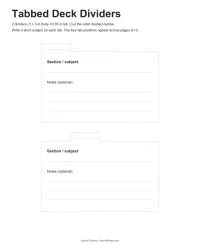
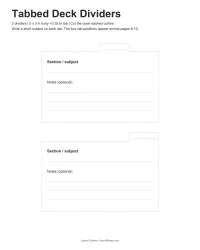
Two divider sheets provide four blank dividers with staggered tab positions. Each body measures 5 by 3 inches, with a tab extending 0.35 inch above it. They are sized to separate the standard 5-by-3-inch cards, with room for a short subject on each tab.
Cut around the complete outer dashed shape, including the tab. Write a section name on its line, then add the subject and optional notes in the body. Arrange the four tab positions across the deck so their labels remain visible.
Leave Yourself a Useful Review Note
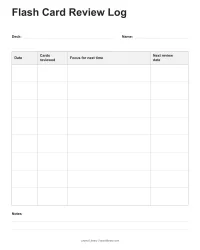
The Flash Card Review Log has eight entry rows beneath Deck and Name fields. Record the date, number of cards reviewed, what to focus on next time, and the next review date. A separate Notes area provides space for anything that applies to the whole deck.
For example, note which section needs another attempt or which cards you want to rewrite. Keep the log with its deck and print another copy when the rows are full. The review dates are yours to choose.
Print the Pages That Fit Your Activity
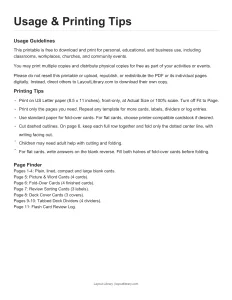
Use US Letter paper with Actual Size or 100% scale selected, and turn off Fit to Page. Print front-only throughout. Standard paper suits the fold-over strips; printer-compatible cardstock is an option for flat cards, covers, and dividers.
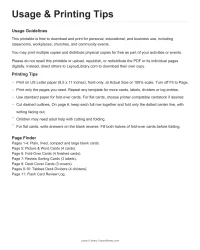
Children may need adult help with cutting and folding. Print one chosen sheet first to check the size and writing space before preparing a larger set. The final Usage & Printing Tips page includes a page finder, so you can identify just the templates you need.
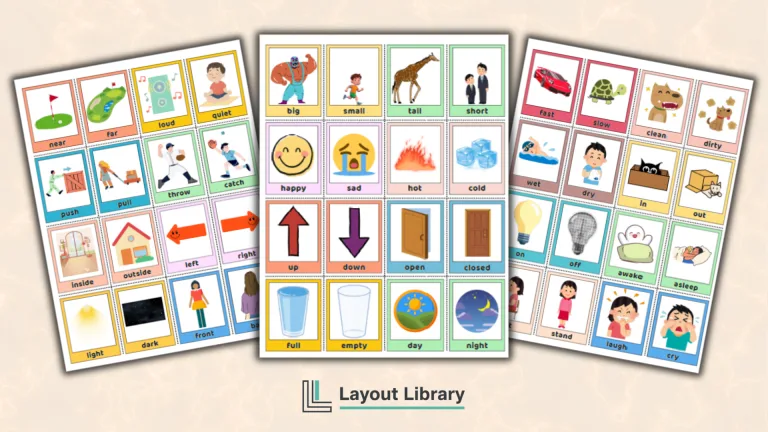
If you want a ready-made vocabulary deck for another activity, our action word flash cards already include words and pictures. This customizable set gives you blank learning spaces and organization tools for the content you choose.
FAQ
No subject words, questions, answers, or drawings are supplied. You add that content yourself. Some templates include field labels or writing lines, and the review sorting cards have printed progress labels to help organize your cards.
This PDF is designed for printing and handwriting. It does not include fillable text fields. Choose a layout, print the pages you need, and add your own words, drawings, questions, or answers by hand.
No. Choose the card layouts and organization pages that suit your activity. The usage page can stay on screen, and you can repeat individual sheets whenever you need more cards, covers, dividers, sorting labels, or log entries.