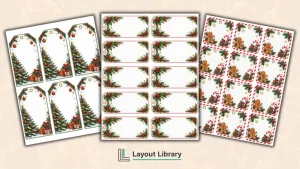
Holiday card envelopes often need several kinds of labels, from a full recipient address to a compact return address or a simple decorative seal.
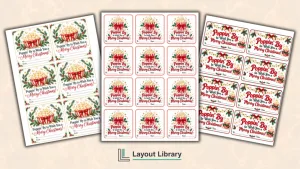
This printable Christmas card label set gives you four practical layouts so you can prepare cards, envelopes, treat bags, and small packages with a coordinated look.
Each page uses a different size and arrangement. Choose the format that fits your envelope and the amount of information you need to add, then print only the pages that suit your holiday mailing list.
Printable Details
Title: Christmas Card Address Labels. Used For: Christmas card envelopes, return addresses, recipient addresses, small packages, envelope seals. Page Length: 5 pages. Paper Size: 8.5 x 11 in (portrait). File Size: 7.12 MB. File Type: PDF. Color: RGB. License: Personal Use.
Includes four label formats for recipient addresses, return addresses, general use, and decorative envelope closures.
Provides 54 total labels across four printable pages, giving you flexible options for different holiday mail.
Uses portrait US Letter pages that are straightforward to print on common home and office printers.
Works with full-sheet adhesive paper, removable sticker paper, or plain paper attached with tape or glue.
Uses dashed outer cutting lines and generous spacing to make trimming each label more manageable.
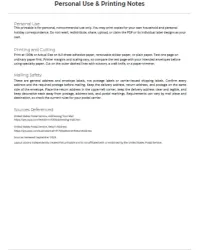
Includes a personal-use page with printing directions, cutting guidance, and important mailing placement reminders.
Four Christmas Card Label Formats
The printable contains four label pages with distinct sizes and purposes. You can use one format throughout your Christmas card mailing or combine several pages for recipient addresses, sender information, small gifts, and envelope closures.
Large Recipient Address Labels
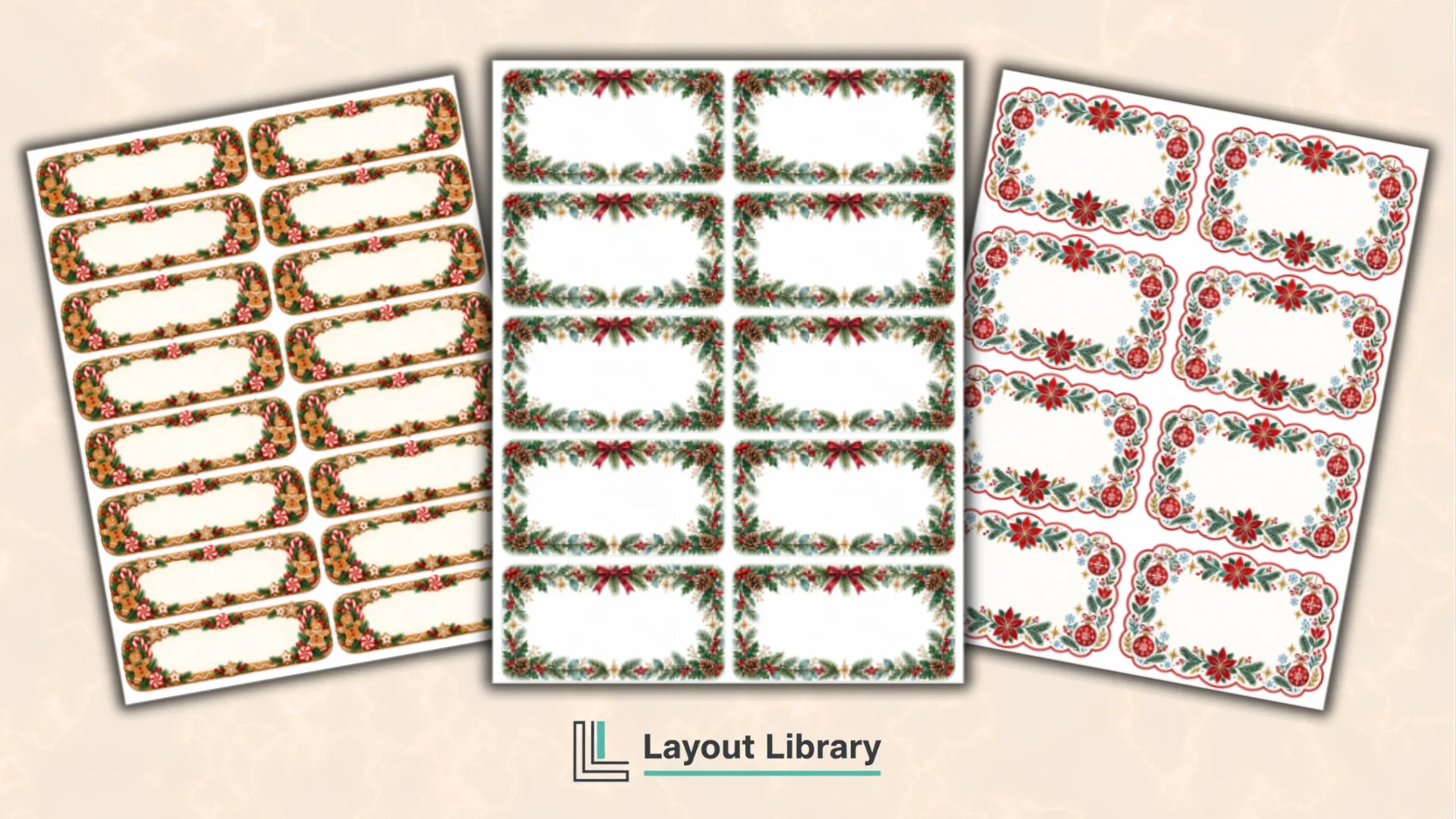
The first page includes ten wide labels arranged in two columns.
Each label provides room for a recipient name, street address, city, state, and ZIP code without forcing the writing or typed text into a cramped space. This format works well for standard envelopes, padded mailers, and small packages.
Compact Return Address Labels
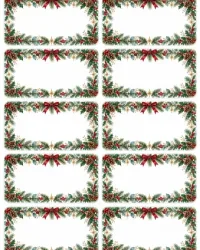
The second page contains sixteen small horizontal labels arranged in two columns. These are sized for a sender name and a compact two-line or three-line return address, making them useful when you are preparing a larger stack of holiday cards.
Place a return label in the upper-left area on the address side of the envelope. Because the labels are smaller, use clear lettering and keep decorative details from crowding the name, street, city, state, and ZIP code.
Multipurpose Christmas Card Labels
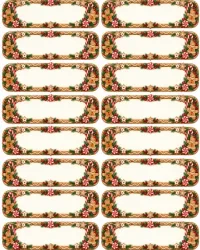
The third page includes eight medium labels arranged in two columns.
Their balanced proportions give you enough space for a shorter recipient address, a family name, a gift message, or a simple holiday greeting on an envelope, card box, treat bag, or small package.
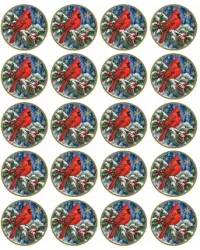
Round Envelope Seals
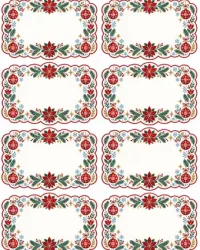
The fourth printable page provides 20 round seals. Use them on envelope flaps, folded holiday letters, favor bags, small boxes, or the back of a wrapped card. Their circular shape adds a finished touch without replacing the practical address labels on the front.
How to Use the Christmas Card Labels
Choose the page that matches your project and print a test copy on ordinary paper.
Add names, addresses, or short greetings by hand after cutting, or use the printed shapes as placement guides when recreating the labels in an editing program. Trim each label along its dashed outer line.
For sticker-style labels, print on a full-sheet adhesive page and peel each piece after cutting. If you prefer plain paper, attach the labels with a glue stick, double-sided tape, or another paper-safe adhesive.
Press the edges down firmly so they do not lift during handling.
Printing Tips
Select Actual Size or 100% in the print settings so the label proportions remain consistent.
Turn off Fit to Page unless your printer requires it, and check the preview before using specialty paper. Print one sample page first because printable areas and margin behavior differ among printers.
Use a sharp paper trimmer for straight rectangular labels and scissors for the round seals. Matte sticker paper is easier to write on than glossy stock, while removable sticker paper is helpful when you want a label that can be repositioned.
Mailing and Placement Notes
These designs are general address and envelope labels, not postage labels or carrier-issued shipping labels.
Confirm every address and the required postage before mailing. Keep the delivery address, return address, and postage on the same side, and keep decorative seals away from postage, address text, and postal markings.
FAQ
No. This PDF is designed as a printable layout rather than an editable form. Write on the labels after printing, or use the page as a sizing and placement reference when adding text in your preferred design program.
Full-sheet adhesive paper is the most convenient option because you can cut each shape without matching a pre-cut label template. Removable sticker paper, matte sticker paper, and ordinary printer paper also work, depending on how you plan to attach the labels.
Use the large labels for complete recipient addresses, the compact labels for return addresses, and the medium labels for shorter addresses or family names. The round labels are best used as decorative seals on the envelope flap or back.