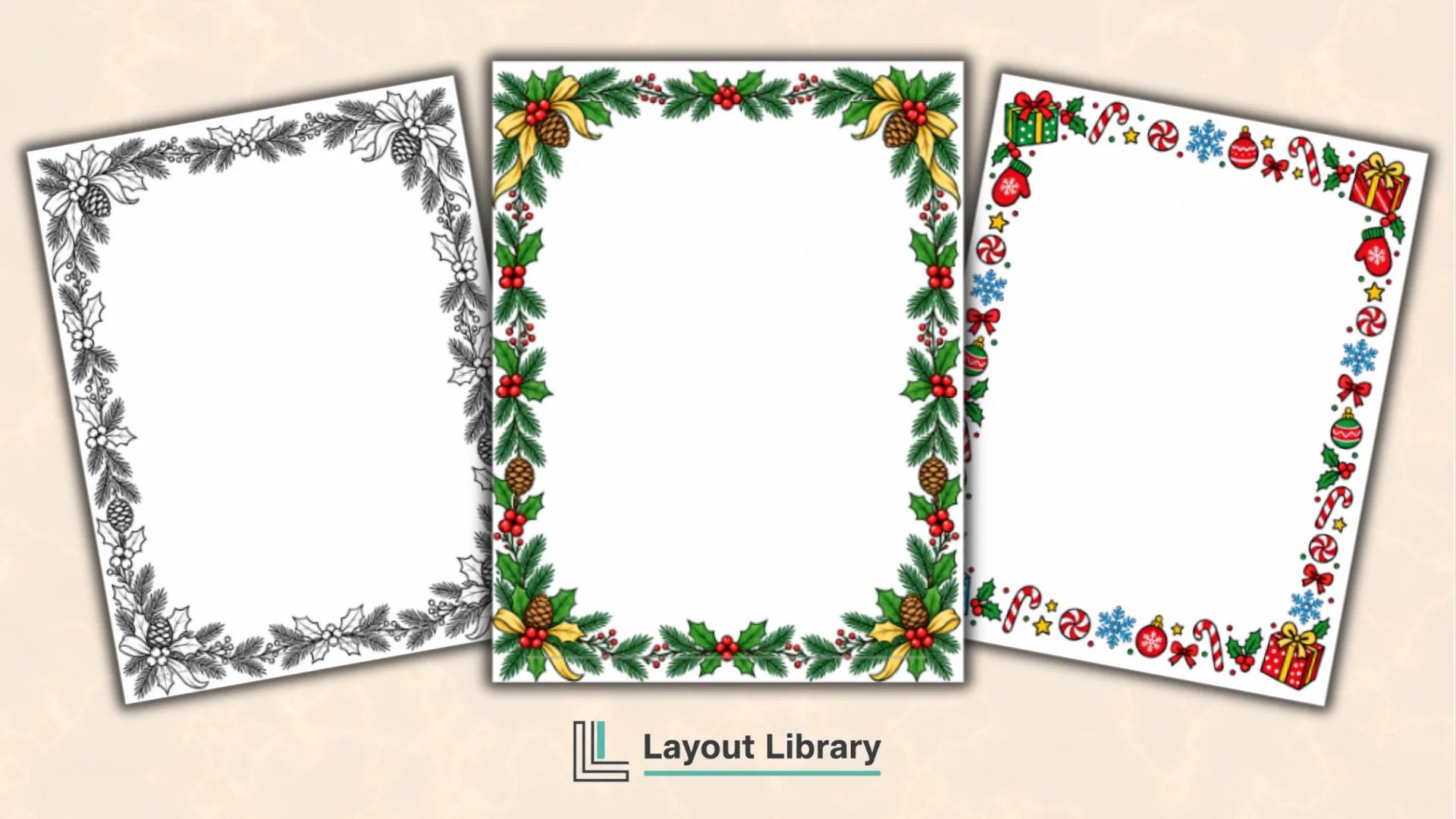
Printable Christmas borders are a simple way to turn an ordinary page into festive stationery without rebuilding a layout from scratch.
This collection gives you three full-page border styles in coordinating color and black-and-white versions, so you can add a holiday message, classroom activity, menu, invitation, sign, or seasonal project of your own.
Each border is formatted for portrait US Letter paper with a roomy blank center. Choose a colorful finished design for instant holiday impact, or print the black-and-white version for simple home printing and optional coloring by hand.
Printable Details
Title: Christmas Border Templates.
Used For: Holiday letters, classroom worksheets, party invitations, Christmas menus, signs, certificates, and seasonal notes.
Page Length: 7 pages.
Paper Size: 8.5 x 11 inches (portrait).
File Size: 8.13 MB.
File Type: PDF.
Color: RGB & Black & White.
License: Personal Use.
Image Gallery
At a Glance
What’s Included
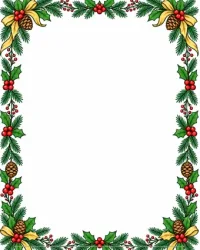
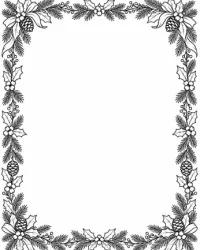
The PDF includes six printable border pages plus one Personal Use page. The classic design features a traditional holly and evergreen frame.
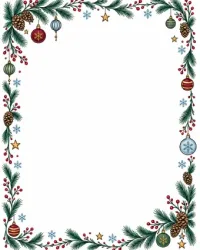
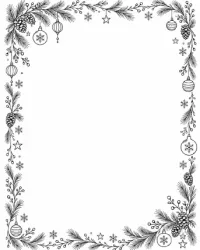
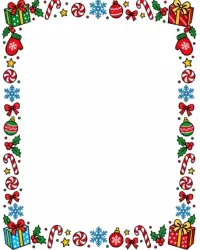
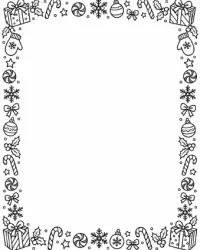
The playful design uses candy canes, peppermints, snowflakes, gifts, ornaments, and bows. The elegant design combines hanging ornaments, pine branches, pinecones, berries, and delicate stars with more open spacing.
Each design appears twice: once as a finished color page and once as black-and-white line art. All six borders are full-page frames with intentionally open centers, giving you space to write by hand or add typed text before printing.
Choosing a Border Style
Choose the classic holly and evergreen border when you want a familiar Christmas look for family letters, certificates, church announcements, or traditional holiday signs. Its balanced frame works especially well with centered text or several short paragraphs.
The candy cane and snowflake border suits kid-friendly projects, party notes, classroom worksheets, gift lists, and playful invitations. Its varied icons make the page feel lively while leaving the main message enough breathing room.
Use the ornament and star border for menus, formal invitations, dinner plans, seasonal quotes, or letters that benefit from a cleaner style. For any design, select the color version for a finished look or the black-and-white page for economical printing and optional coloring.
Ways to Use the Borders
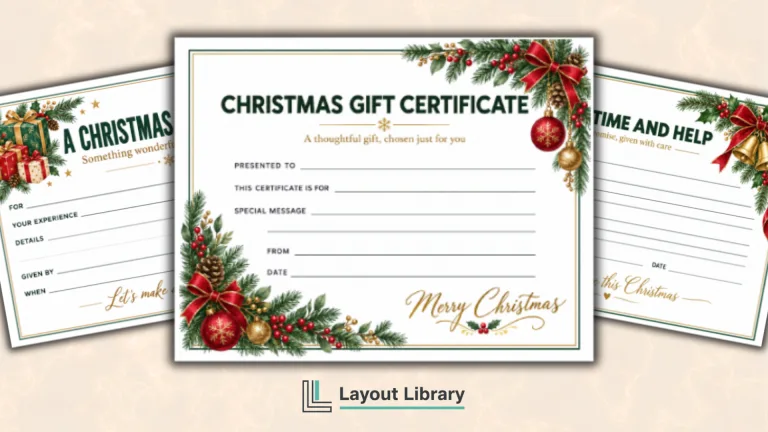
These pages can frame a Christmas party invitation, family newsletter, holiday menu, classroom writing prompt, recipe, wish list, gift certificate, or seasonal poem.
They also work for table signs, event instructions, activity sheets, and short notes from Santa or an elf.
For a coordinated project, use one design for the main page and a second design for supporting information. Children can color the black-and-white borders with crayons, markers, or colored pencils, while the color versions are ready to use immediately.
Adding Text or Handwriting
For handwritten content, print the selected border at full size and use the generous center area as your writing space.
A fine-tip pen usually gives the neatest result, while a marker works well for headings or signs. Let ink dry before stacking finished pages.
To add typed text, insert the PDF page into a program that supports PDF backgrounds or images, then place a text box within the open center.
Keep important words away from the decorative edges and print one test copy to confirm placement.
Printing Tips
Print on standard white copy paper for everyday activities, worksheets, and letters.
A slightly heavier bright-white paper can make invitations, menus, certificates, and display signs feel more polished. Use the color setting for the finished designs or grayscale for the black-and-white pages.
If any edge is clipped, choose Fit, Fit to Printable Area, or a similar scaling option in the print dialog. Avoid borderless mode unless your printer supports it reliably.
Print only the page number you want and review the preview before confirming multiple copies.