Staff training can temporarily change normal business hours, and visitors need a clear message before they try the door.
This free printable Closed For Training sign gives offices, shops, schools, service businesses, and shared facilities a polished notice they can display during scheduled training sessions.
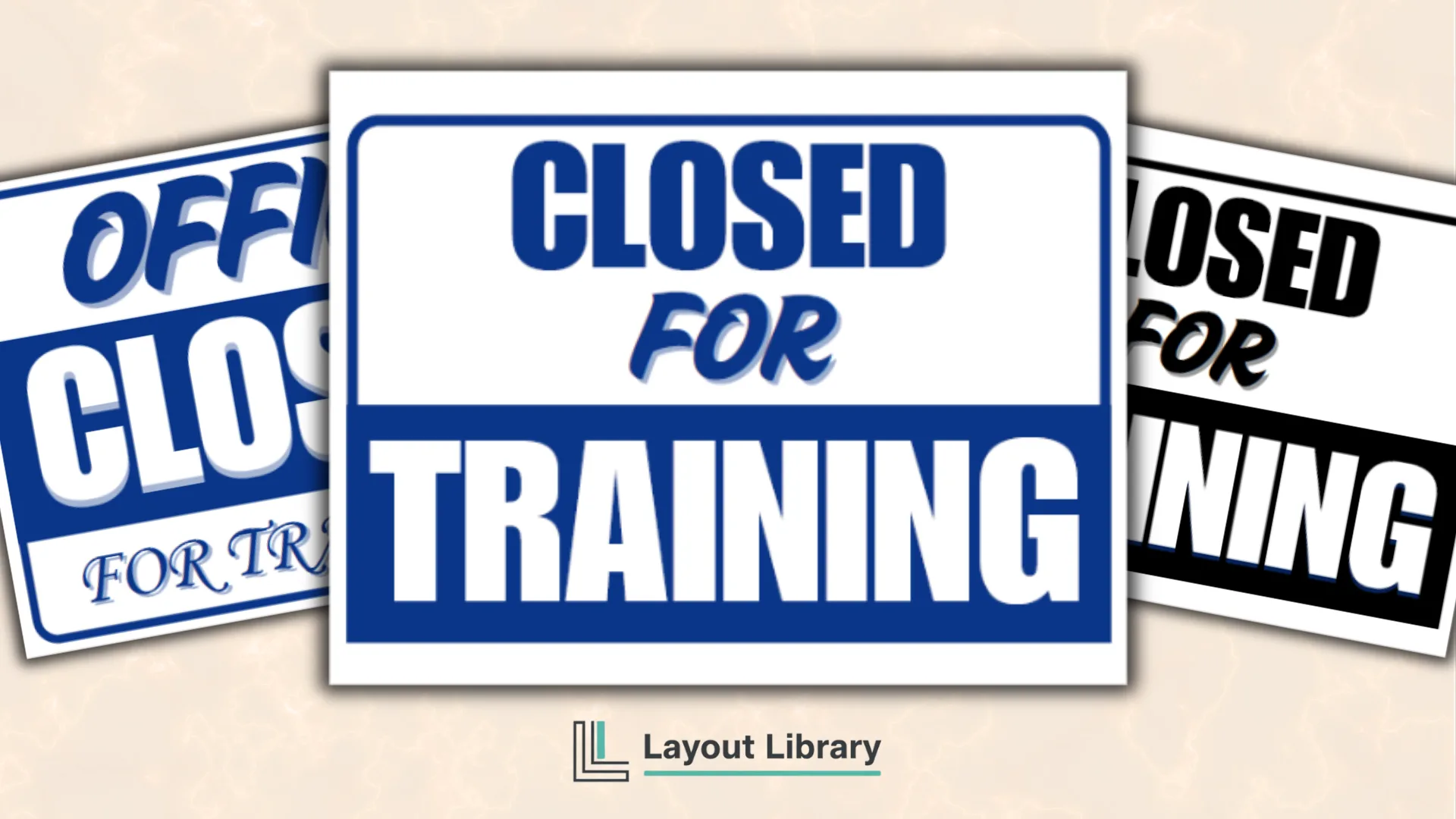
The PDF includes four full-page sign designs in blue, black, and white. Two versions say CLOSED FOR TRAINING, while two add OFFICE to the message. Each layout uses oversized lettering and strong contrast so the closure reason can be understood quickly.
Printable Details
Title: Closed For Training Sign.
Used For: Staff training closures, office doors, storefront windows, school offices, service counters, and facility entrances.
Page Length: 5 pages.
Paper Size: 11 x 8.5 in (landscape).
File Size: 134 KB.
File Type: PDF.
Color: RGB.
License: Personal Use.
Image Gallery
At a Glance
What’s Included in the Closed For Training Sign Printable?
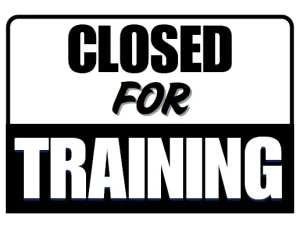
The first sign uses a blue border and divides the message into two strong sections. CLOSED appears at the top, FOR sits in the center, and TRAINING fills a solid blue block across the bottom.
This version keeps the wording broad enough for shops, offices, counters, and other temporarily unavailable spaces.
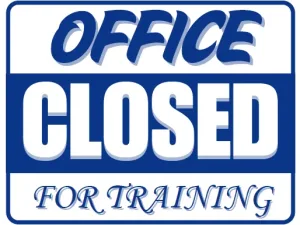
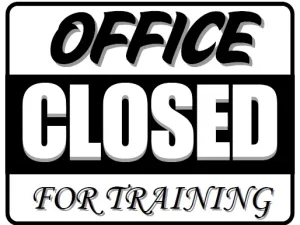
The second page adds OFFICE above the main closure message. OFFICE and FOR TRAINING use decorative lettering, while CLOSED appears in large white type inside a blue block.
This layout is useful when the notice will be placed on an office door, reception area, administrative entrance, or internal workspace.
The third and fourth pages repeat those two layouts in black and white. These versions are practical when you want a neutral look or do not have color ink available.
The fifth page contains the personal-use notice and completes the PDF.
Choosing the Right Version
Choose the general CLOSED FOR TRAINING design when the sign will represent an entire shop, service counter, classroom, department, or facility.
The wording is direct and does not tie the closure to one specific type of room.
Use the OFFICE CLOSED FOR TRAINING version when visitors need to know that an office or administrative area is unavailable. This can help distinguish a closed office from a building, store, or facility that may remain open elsewhere.
The blue option adds a professional pop of color and may coordinate well with business or school interiors.
The black version provides a neutral alternative that prints cleanly on a standard monochrome printer.
Where to Display the Sign
Place the chosen page where people normally approach or request service. Common locations include an exterior door, storefront window, reception desk, office entrance, service counter, check-in station, classroom door, or shared facility entrance.
Check the sign from the visitor’s normal path before securing it. The complete message should remain visible without being covered by door handles, frames, curtains, posted notices, or window reflections.
If the closure affects only one area, position the sign close enough to make its scope clear.
Printing and Display Tips
Print on US Letter paper in landscape orientation. Select Actual Size or 100% in the print dialog so the page keeps its intended proportions.
Use regular copy paper for a short training session or heavier paper when the sign will be displayed repeatedly.
A clear sleeve, frame, or lamination can protect the page from fingerprints, moisture, and curling. For windows, use removable tape or another surface-appropriate mounting method.
Avoid placing adhesive over the printed text, and remove temporary materials carefully after the training period ends.
Practical Setup Ideas
If visitors need additional information, place a separate notice beside the sign with the reopening time, alternate contact method, or nearby service location.
Keeping those changing details separate allows you to reuse the main Closed For Training page during future sessions.
For locations with multiple entrances, print the same design for each active approach point.
Consistent signs reduce confusion and create a more organized appearance. Before training begins, walk the visitor route once to confirm that every affected door or counter has a visible notice.