Running a short-term rental smoothly takes more than a quick cleaning between guests.
Hosts also need to reset bedrooms, check supplies, inspect outdoor spaces, watch for damage, prepare access details, and make sure the property feels ready before the next arrival.
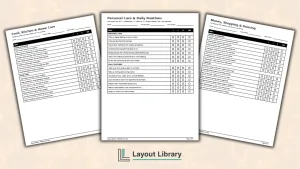
This free printable Airbnb checklist template brings those tasks together in one organized six-page PDF.
It is designed for a single property and includes room-by-room cleaning lists, inventory checks, restocking reminders, maintenance sections, staff notes, and plenty of blank spaces for custom tasks.
Printable Details
Title: Airbnb Checklist Template. Used For: Organizing short-term rental turnovers, cleaning, restocking, inventory, maintenance, and property-specific tasks. Page Length: 5. Paper Size: 8.5 × 11 in (portrait). File Size: 596 KB. File Type: PDF. Color: Black & White. License: Personal use and internal property management.
Use the first page as a master turnover review before the next guest arrives.
Assign individual pages to cleaners, staff members, or property managers.
Add property-specific steps in the blank checklist rows instead of relying on a one-size-fits-all list.
Record low-stock supplies separately from missing or damaged items.
Keep maintenance concerns visible so they are not forgotten after the cleaning is finished.
Print a fresh copy for each turnover or reuse protected pages with a dry-erase marker.
Customize the checklist to match your amenities, house rules, and local short-term rental requirements.
Overview
The printable includes five working checklist pages followed by an expanded use and license notice.
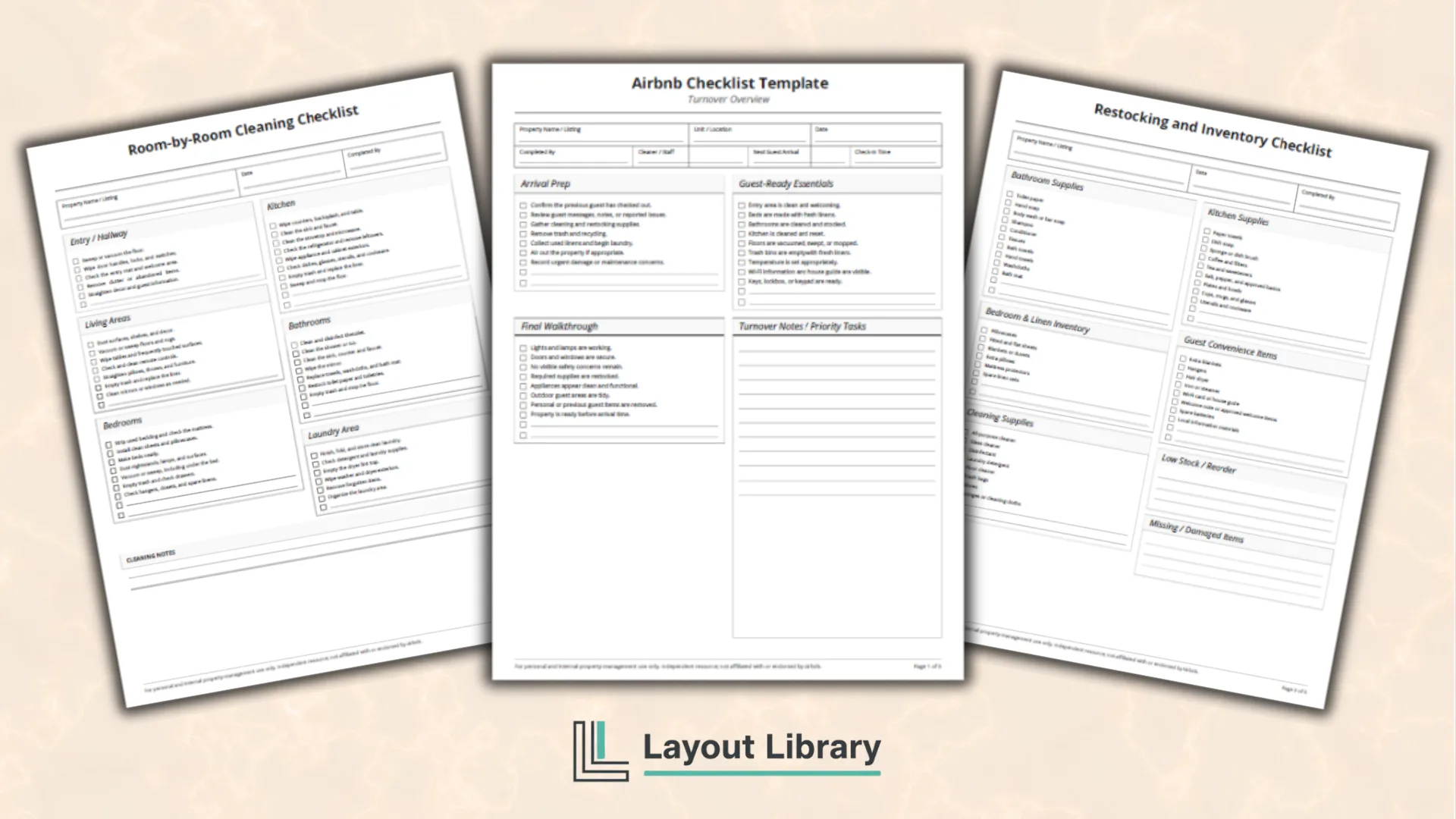
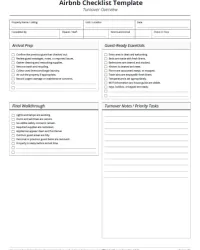
Page one provides a high-level turnover overview. It covers arrival preparation, guest-ready essentials, the final walkthrough, and priority notes. The top section also has fields for the property name, unit, date, cleaner, next guest arrival, and check-in time.
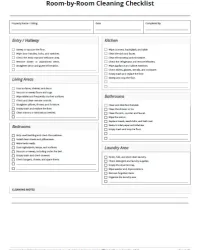
Page two organizes cleaning tasks by area of the home. Sections include the entry, living areas, kitchen, bedrooms, bathrooms, and laundry area. Each section contains common tasks plus blank rows for anything unique to the property.
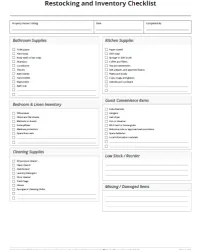
Page three focuses on inventory and restocking. Hosts can review bathroom products, kitchen supplies, bedding, linens, cleaning products, and guest convenience items. Dedicated spaces for low-stock and damaged items make it easier to create a shopping or replacement list.
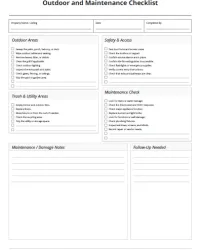
Page four covers outdoor areas, access, safety, trash, utilities, and basic maintenance observations. It also provides space for damage notes and follow-up tasks.
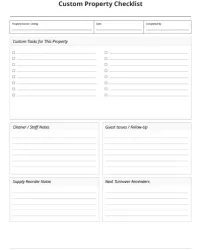
Page five is intentionally flexible. It includes blank custom checklist lines, cleaner notes, guest issue follow-up, supply reorder notes, and reminders for the next turnover.
The final page includes the personal-use license, trademark notice, and topic-specific limitations.
How to Use the Airbnb Checklist Template
Start by filling in the property details at the top of each page. This helps prevent confusion if you manage more than one listing or hand pages to different staff members.
Work through the turnover overview first. Use it to identify urgent problems, collect laundry, remove trash, and confirm which areas need attention. The overview is also useful as a final review after the room-by-room work is complete.
Next, complete the cleaning checklist by area. Checking tasks room by room can reduce missed details because the cleaner finishes one space before moving to the next.
Use the inventory page after cleaning. Restocking too early can make it harder to notice spills, damaged containers, or missing supplies. Write down items that are running low rather than waiting until they are completely gone.
The outdoor and maintenance page is best used during a separate walkthrough. Check locks, lighting, pathways, outdoor furniture, visible leaks, damaged fixtures, and other issues that may affect the next stay.
Finish with the custom property page. Add recurring tasks such as checking a fireplace, pool area, hot tub, game room, beach equipment, pet supplies, or seasonal amenities.
Tips for Better Turnovers
Keep the checklist specific to the property. A studio apartment will not need the same steps as a large house with a yard, grill, and multiple bedrooms. Cross out tasks that do not apply and use the blank lines to add the ones that matter.
Create a clear process for reporting damage. Cleaners should know whether to photograph the issue, contact the host immediately, or leave a note for follow-up.
Avoid placing sensitive guest details on printed checklists. Notes should focus on the property, supplies, cleaning, and maintenance rather than unnecessary personal information.
You can also laminate frequently used pages or place them in sheet protectors. This lets staff mark them with a dry-erase pen while keeping a separate written record for damage, incidents, or unusual concerns.
Important Disclaimer
This printable Airbnb checklist template is an independent resource and is not affiliated with, endorsed by, or sponsored by Airbnb.
It is intended for general short-term rental planning and organization only. Cleaning expectations, safety practices, platform requirements, local regulations, insurance obligations, and licensing rules may vary by property and location.
The host, owner, cleaner, or property manager remains responsible for customizing the checklist and confirming that the property is clean, maintained, secure, appropriately stocked, and ready for guests.
A completed checkbox does not verify compliance with any legal, health, fire, accessibility, platform, or safety standard.
FAQ
No. It also includes inventory, restocking, outdoor areas, maintenance observations, damage notes, staff communication, and custom property tasks.
You can, but it is designed to be completed for one property at a time. Print a separate set for each listing to keep tasks and notes organized.
No. This is an independent printable resource and is not affiliated with or endorsed by Airbnb. Customize it to fit your property and follow the requirements that apply to your listing.